
FREE PHOTO TOOL
Erase whatdoesn’t belong.
Brush over a spot or small object. We’ll fill it in with the surrounding photo.
or drop it here
JPG, PNG, WebP · up to 20 MB
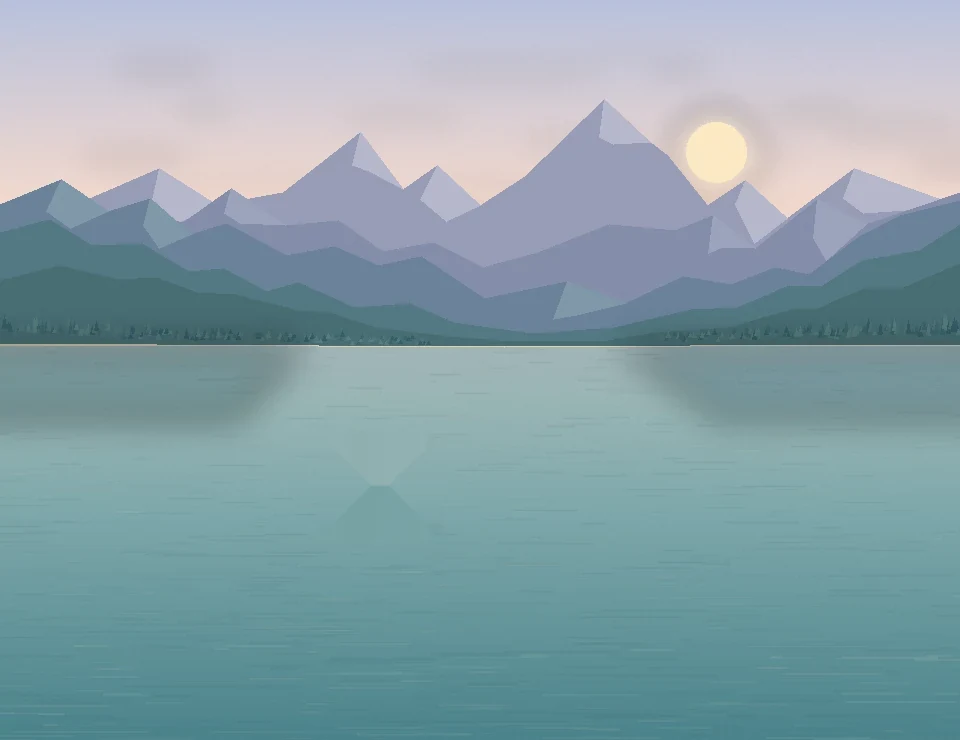
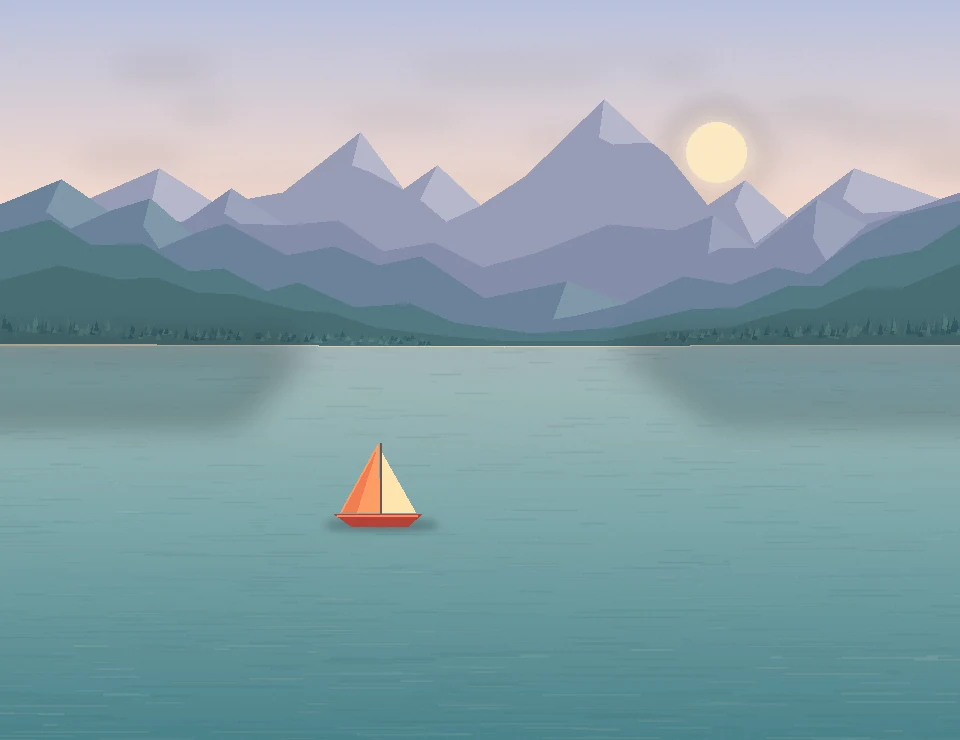 Before
After
Drag the slider to see the difference
Photos stay on your device. No sign-up needed.
Brush it away.
Paint over the area you want to remove, then tap Erase.
Original
A small brush works best around edges.
Use your pointer to paint, or use arrow keys to move the brush and Space to paint.